 Hues Within™
HUES WITHIN
Explore the app.
Take a closer look at check-in, your recorded history and optional Insights, then explore medications, Learn and Support.
01 / YOUR DAILY CHECK-IN
Check in your way.
Explore a daily check-in, from mood and sleep to medications and your own words. Every question is optional.
A guided preview with fictional answers and Plus enabled. Use Previous and Next to explore; the questions in these screenshots do not accept answers.
Step 1 / 5 · Mood
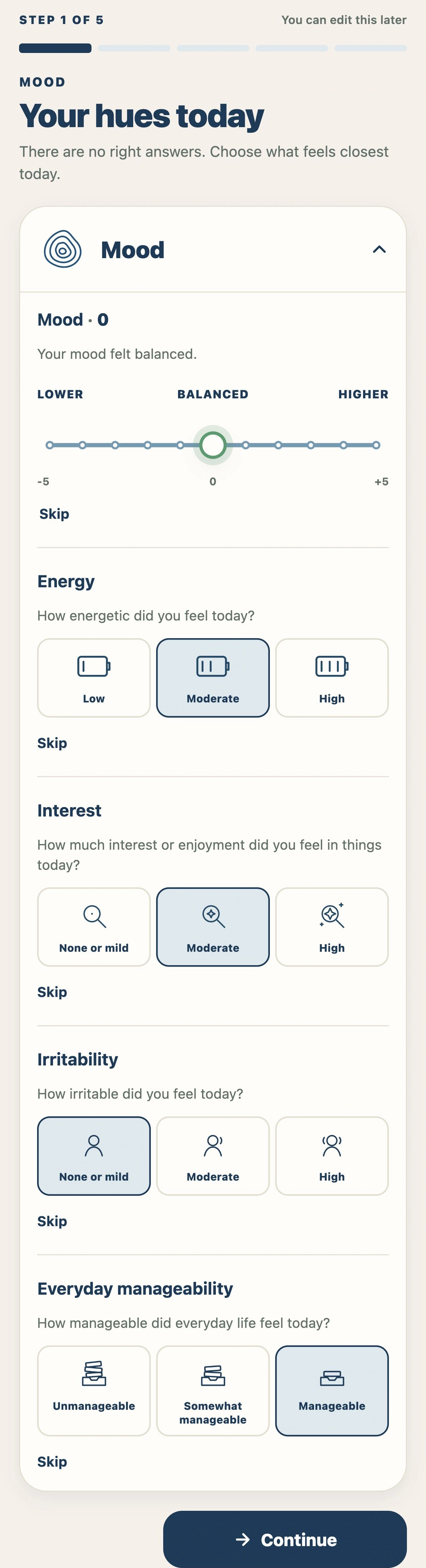


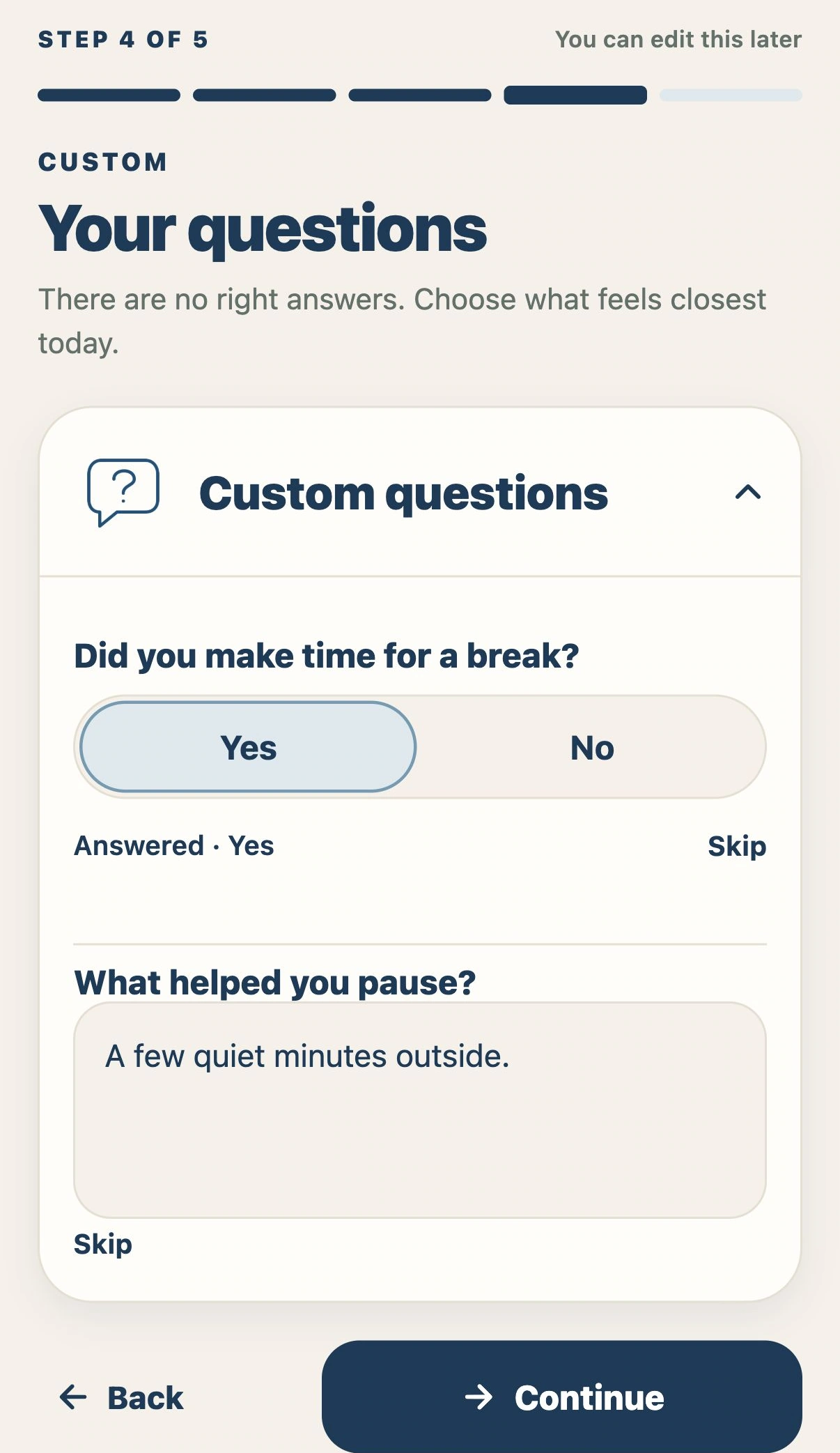
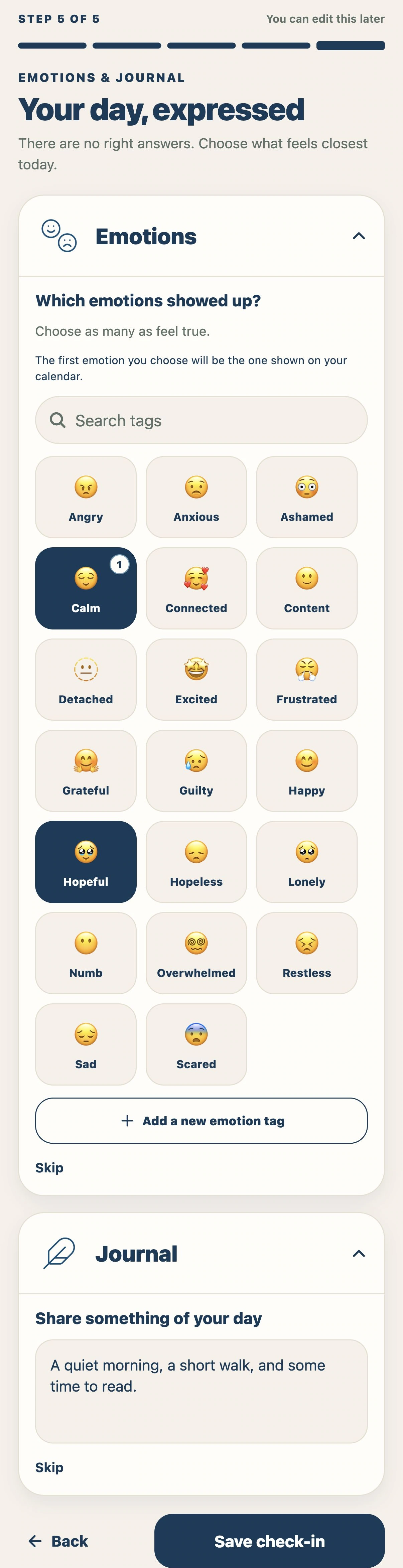
Scroll inside the phone to see the whole step.
Record mood, energy, interest, irritability and everyday manageability.
02 / HISTORY
Your days, kept together.
Find a day on the calendar, then open the details you chose to record.
Your calendar

A day in detail

History remains available with Insights off. These examples have Insights on to show mood-range borders and labels.
Illustrative previews with fictional records. Appearance may vary by device.
03 / OPTIONAL INSIGHTS
Different views. Your history, together.
The same fictional history appears throughout. This example follows a woman living with bipolar II disorder and premenstrual exacerbation: existing symptoms that become worse before her period.
Mood Map

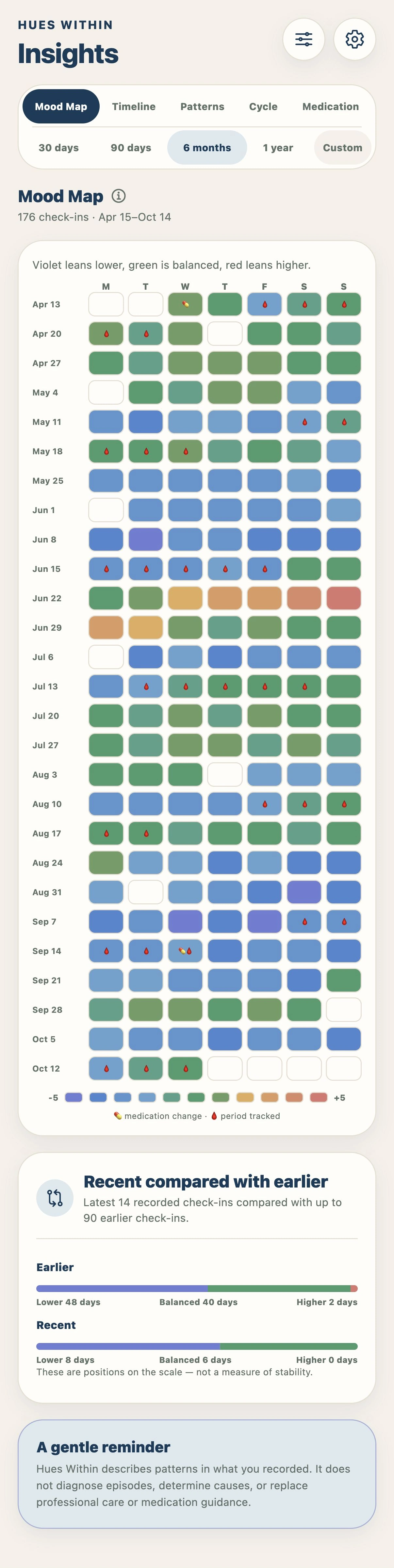
Scroll inside the phone to see the full screen.
Timeline

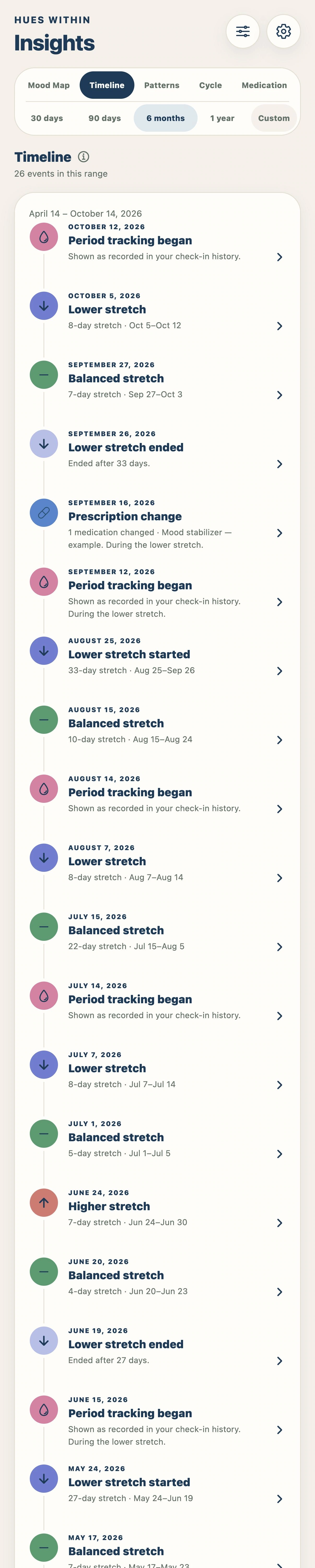
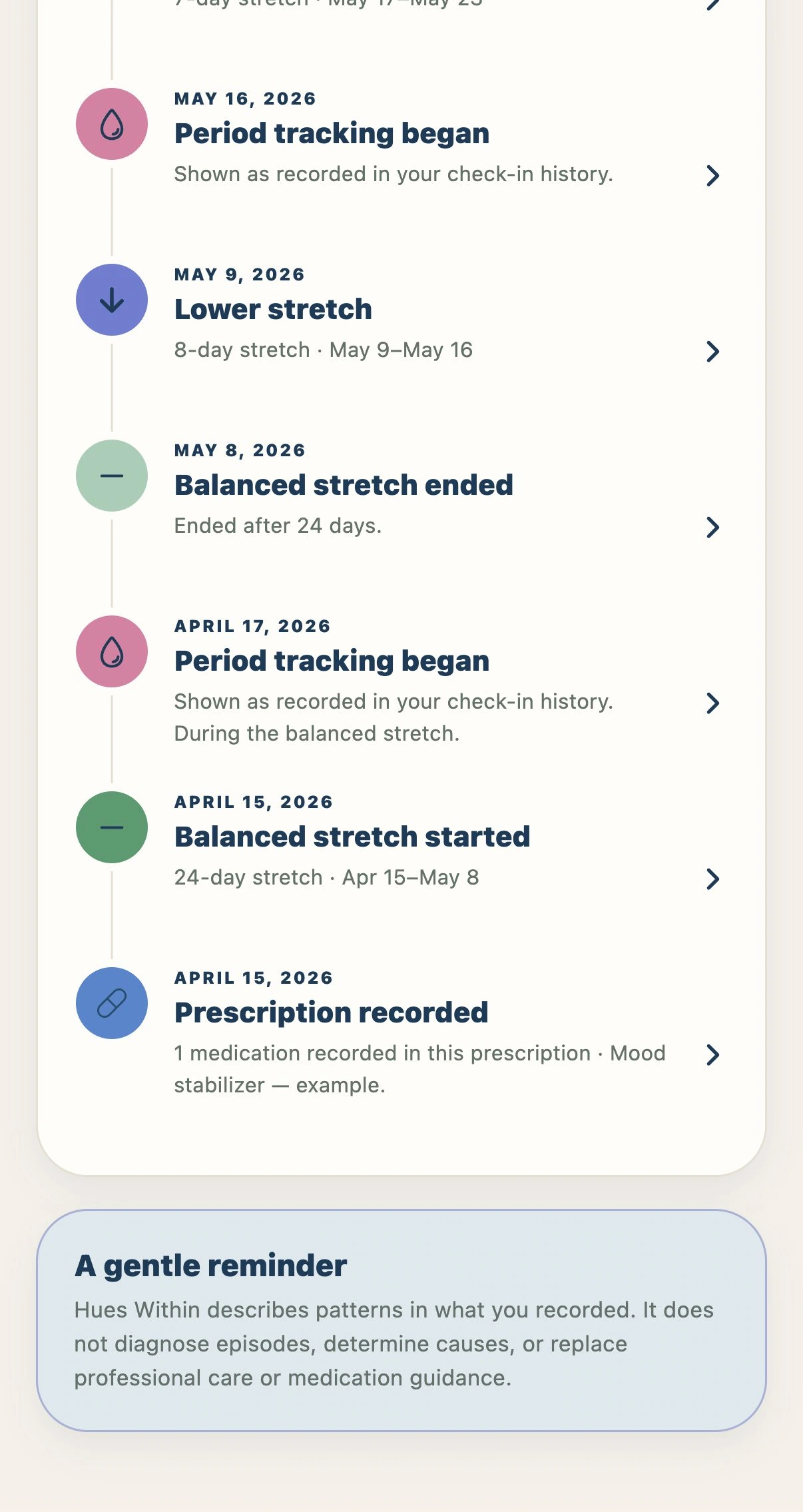
Scroll inside the phone to see the full screen.
Patterns

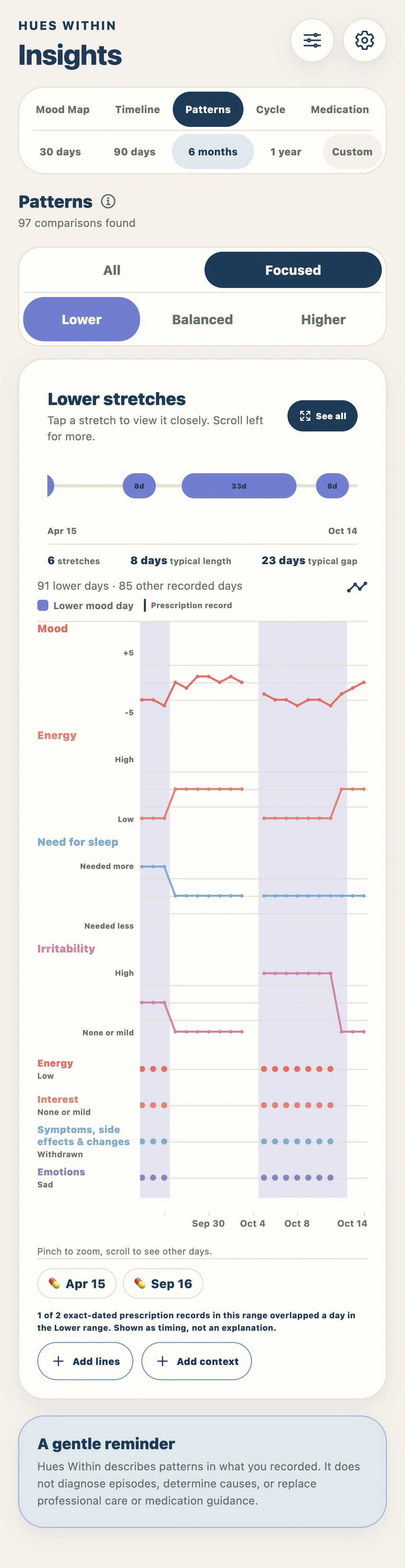
Scroll inside the phone to see the full screen.
Cycle

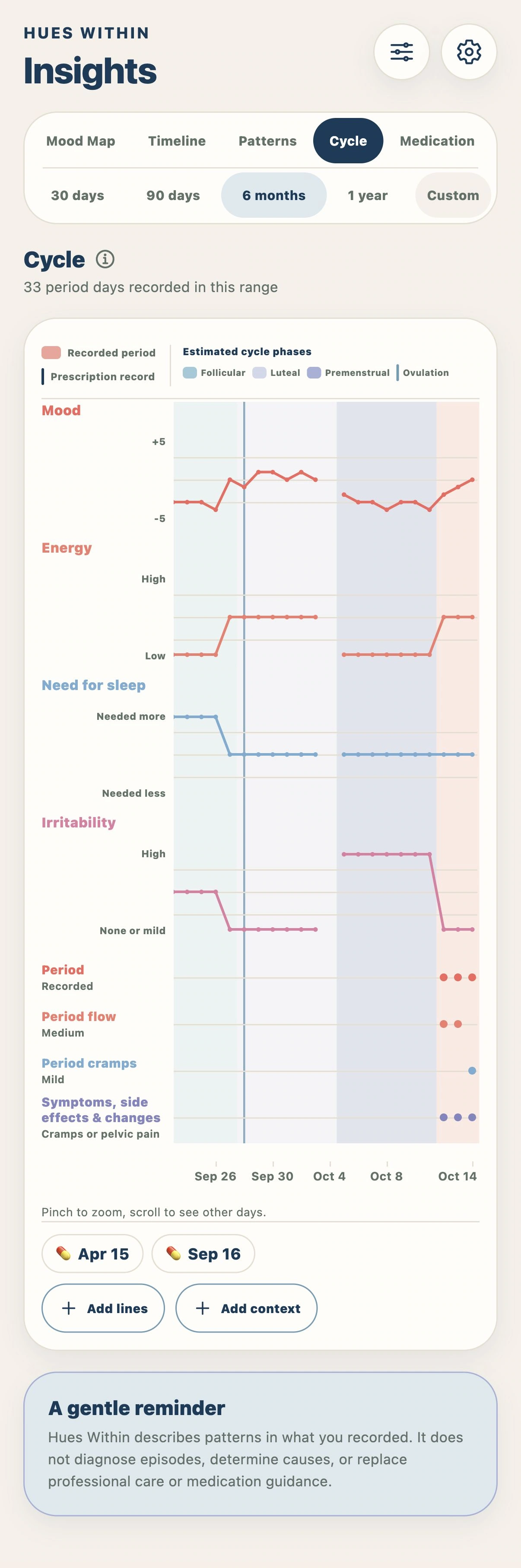
Scroll inside the phone to see the full screen.
Medication comparison

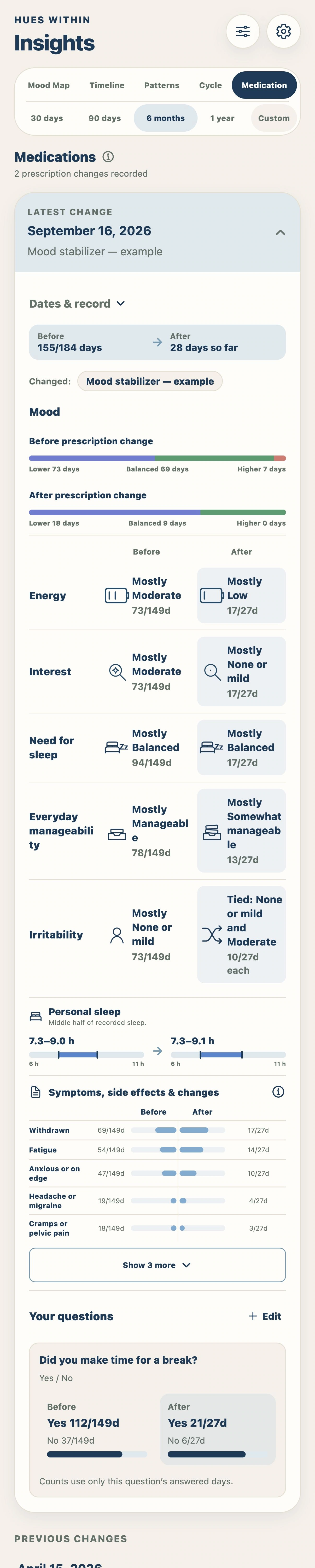
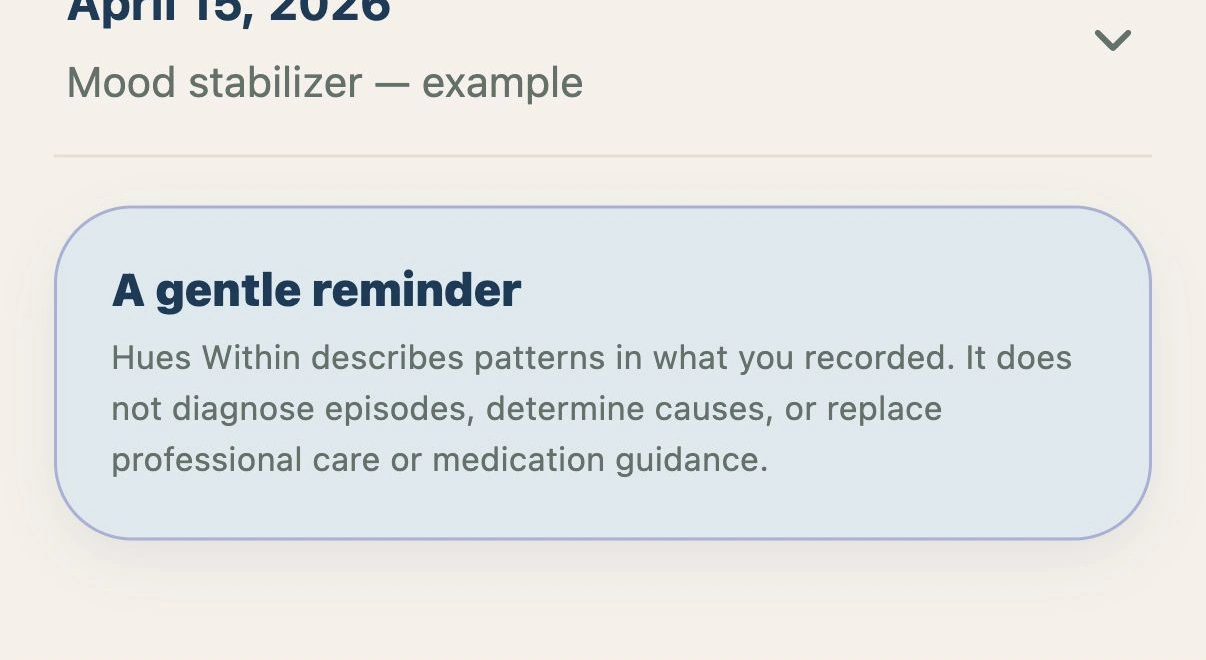
Scroll inside the phone to see the full screen.
Insights is optional and shown enabled here. These views describe recorded patterns; they do not diagnose a condition or establish what caused a change.
Availability, exports & methodology
Once Insights is on, Patterns opens after 30 completed check-ins; Cycle opens earlier with separate requirements for estimates. Purchasing Plus does not turn on Insights.
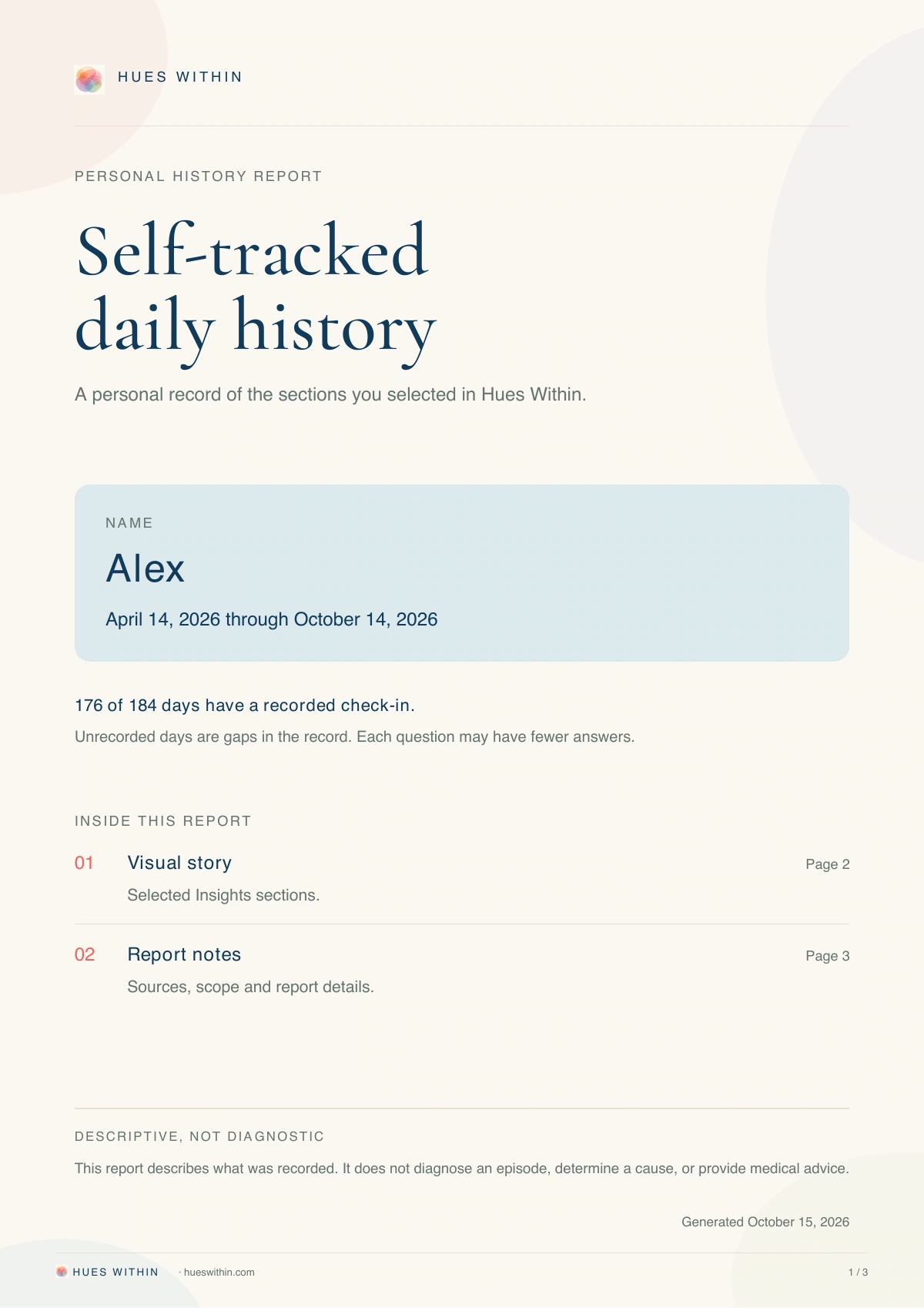
Share available charts and the History calendar as images, or export Excel files and printable reports (Portable Document Format, PDF).
Choose the sections to include in your printable report. For medication comparisons, include all changes, the latest change or selected changes in the report period. Long graphs use readable pages. Excel includes saved check-in days without filler rows for missing dates. Exports remain free at every offered date range; the methodology explains the calculations and limits.
With Insights off, record and review your answers without derived summaries. Reports include daily choices and prescription records, but exclude journal notes and written custom answers. Prescription notes can appear. Excel provides the more complete recorded-data export. The methodology explains calculations and limitations.
Read the full methodologyIllustrative previews with fictional records. Appearance may vary by device.
04 / MY MEDS
Keep your medication history organized.
Review a whole prescription or follow one medication through its recorded history.
Current prescription

One medication’s history

Medication names and doses are fictional examples, not prescribing advice. Prescription records do not confirm that a dose was taken.
Illustrative previews with fictional records. Appearance may vary by device.
05 / LEARN & SUPPORT
A place to learn and find support.
Browse the library, read a sourced explanation and find ways to reach support.
Browse Learn

Read an article

Find support

General information, not a personal diagnosis or treatment recommendation. Resources do not replace medical care or emergency help.
Illustrative previews with fictional records. Appearance may vary by device.
YOUR RECORDS, READY TO SHARE
Bring your history into the conversation.
Choose what goes into a printable report in Portable Document Format (PDF), or export your recorded data to Excel. You decide what to save and share.
Exports are free at every offered date range.
See report options